AI Content
Best Free AI Content Generators & Writers (2026): 10 Options Worth Trying
The best free AI content generators and writers in 2026: dedicated tools like HubSpot and Rytr, free AI assistants like ChatGPT and Claude, and the free trials worth using.
Last updated · Machined.ai Content Team
Update: we’ve removed Machined.ai from this list
Machined.ai used to appear in this roundup on the strength of our free plan. We no longer offer one — every new account now gets a 7-day free trial of the Launch plan instead (no credit card required), with paid plans starting at $19/month. This article is about genuinely free tools, so it wouldn’t be honest to keep ourselves on the list. If you want to see what we do offer, have a look at our pricing.
When you’re looking for the best free AI content generator, it’s hard to know where to start. The market’s already filled with platforms, and new ones are coming online all the time.
So if you want something you can use for free (or mostly free) to write content, which is the best to pick?
Understanding What an AI Writer Free Plan Means
Firstly, it’s worth noting that “free” means very different things. Most “free” AI writers are actually free with caveats, and are offered as:
- A Freemium version: Where you access the basic version at no charge and pay for add-on premium features
- A Free trial: Where you can experience the full platform without a fee for a limited period of time
- Free with limits: Where you can use the platform with a limited number of words, credits, or messages
This has shifted over the past year. Many dedicated AI content generators that used to have a free plan now only offer a trial, or a one-off allowance of words when you sign up. Copy.ai and Koala have both moved this way. What’s still genuinely free tends to be smaller, single-purpose generators, a few monthly allowances, and the general AI assistants like ChatGPT, which have become more generous, not less.
It’s important to remember, too, that even the best free AI writers won’t do everything for you.
Yes, they speed up drafting, but you’ll still need to edit, fact-check, and make sure what you publish is original, high-quality content (the sort that readers actually want).
In this article, we’re going to save you research time by running through the best free AI content generators and writers that are currently on the market.
We’ve organized the list into three groups: dedicated AI content generators first, then free AI assistants you can write with, and finally the free trials worth knowing about.
How We Ranked These Tools
When we ranked the best free AI content generators, we did so according to the following criteria, so you can get a clearer comparison on a “like-for-like” basis. We chose and ranked these criteria as they tend to be the most important for people looking for a free AI writer.
- What’s included for “free” (such as word limits, output caps, or refresh cycles)
- Quality and usability, such as long-form versus short-form content, the ability to set and adjust tone, and the availability of good editing tools within a free AI copywriting tool, for example
- How the platform works, such as via a web app, web extension, or in the Google or Microsoft ecosystem, for immediate integration
- Research and citations that are relevant for some academic, journalistic, or commercial work
- Best-fit user cases, such as SEOs, marketers, creators, academics, or students
We checked every tool’s free plan against its own pricing and help pages. Where we’ve tested a tool’s writing ourselves, we say so and link to the full review.
With these key requirements in mind, let’s get into it.
Quick Picks (TL;DR)
Not got time to deep-dive into our research? Here’s a quick round-up of the research for the TL;DR fans out there.
- For blog posts, emails and landing pages: HubSpot’s free AI content writer, inside a free HubSpot account
- For short-form marketing copy: Rytr gives you 10,000 characters a month for free
- For one-off pieces like outlines, captions and product descriptions: Copy.ai’s free single-purpose generators
- For editing and polishing: Grammarly or QuillBot
- For full drafts with no monthly cap: ChatGPT, whose free plan now includes unlimited text chats
- For trying a dedicated SEO article writer: Koala gives new accounts 5,000 free words
Comparison Snapshot Table
This brief table summarizes what we’ve found when researching the best free AI content generators and writers available today:
| Tool | Best for | What’s free | Key limitation |
|---|---|---|---|
| HubSpot AI content writer | Blog posts, emails, landing pages and social posts | Free with a HubSpot account, no credit card | Built around HubSpot. More advanced features are paid. |
| Rytr | Short posts, ideas, product descriptions | 10,000 characters a month | Too tight for long-form content. |
| Copy.ai free tools | Outlines, captions, product and meta descriptions | Dozens of single-purpose generators | One piece at a time. Copy.ai’s main product is paid. |
| Grammarly | Editing, proofreading and checking your tone | Grammar and spelling checks, tone detection and 100 AI prompts a month | Rewrites, tone adjustment and AI and plagiarism checks need Pro. |
| QuillBot | Paraphrasing, summaries and quick rewrites | Short paraphrases, 1,200-word summaries and 20 AI chats a day | Not designed to write full articles. |
| Canva Magic Write | Captions, blurbs and content within design templates | A small monthly AI allowance, shared with Canva’s other AI tools | Not designed for standalone writing. |
| ChatGPT | Full drafts, outlines, ideas and edits | Unlimited text chats with GPT-6 | Uploads, images and deep research are limited. No SEO features. |
| Claude | Long-form writing, better nuance and tone | Sonnet and Haiku models, with limits every 5 hours and every week | No published message limits. No workflows or publishing. |
| Gemini | Drafting and research in the Gemini app | Free with a Google account, on Google’s Flash-Lite model | Gemini inside Google Docs needs a paid plan. |
| Koala (free trial) | SEO blog articles | 5,000 words, once, for new accounts | A one-off allowance, not a monthly plan. Paid plans from $25/month. |
Free AI Content Generators
These tools are built to generate content: you tell them what you need and they write it. They’re the closest match for “free AI content generator”, though each one gives away less than it used to.
1. HubSpot AI Content Writer
HubSpot’s AI content writer is the most complete free content generator we found. It can “generate blogs, website copy, social posts, and more,” including emails, landing pages and blog outlines. You need a free HubSpot account to use it, but there’s no credit card involved.
It works best if you’re already using HubSpot, or are happy to, since it lives inside HubSpot’s tools and can use what HubSpot knows about your contacts to personalize what it writes. HubSpot doesn’t publish a limit on how much you can generate for free. As HubSpot puts it, “more advanced content marketing functionalities are available in paid editions of Content Hub.”
HubSpot’s broader AI assistant, Breeze Assistant, is also free with every HubSpot account, for drafting emails, proposals and reports. Its more specialized AI agents need a paid plan.
2. Rytr
Rytr is one of the few dedicated AI writers that still has an ongoing free plan: 10,000 characters a month, which is roughly 1,500 words. It’s built for short posts, idea development, product descriptions and ad copy, with templates for each.
That allowance is tight for long-form content, but it’s workable for short pieces. Rytr has also added a second product for managing relationships and follow-ups, so its writing tools now sit under the name “Create”. Paid plans start at $9 a month.
We haven’t tested Rytr’s writing ourselves, but its reviews are consistently strong for short-form copy and more mixed for longer blog posts. There’s more in our review of AI writing tools.
3. Copy.ai Free Tools
Copy.ai’s main product no longer has a free plan. Its help centre says plainly, “there is no longer a free plan (we had to sunset it),” and paid plans start at $29 a month. Copy.ai is now aimed at sales and marketing teams.
What it does still offer is a library of free AI generators, each built for one job: blog outlines and titles, Instagram captions, LinkedIn posts, product descriptions, meta descriptions, slogans, emails and more. You give it a few details, and it writes that one piece.
That makes it handy for a quick caption or a set of title ideas, but it’s not a place to write a full article.
4. Grammarly
Good old Grammarly. Many of us have used it for years to sense-check and polish our writing, and it has grown into a much more comprehensive writing tool. Most of that sits behind the paid Pro plan, though, so here we’re sticking to what you get for free.
The free plan checks your grammar and spelling, shows you how your writing comes across (its tone), and gives you 100 AI prompts a month to generate text, enough to try drafting with it. You can also try its free AI writer on the page before signing up. Rewriting whole sentences, adjusting your tone, and checking for plagiarism or AI-generated text all need Pro.
So on the free plan, think of Grammarly as your editor and proofreader first. It isn’t built for long-form content or SEO, but it’s very good at getting your grammar and spelling spot on.
If you’re willing to pay, Grammarly Pro turns it into a full writing suite. You get 2,000 AI prompts a month instead of 100, enough to brainstorm, outline and draft with it regularly, plus full-sentence rewrites, tone adjustment, and plagiarism and AI-content checks. Paying users also get full access to the AI agents in Grammarly Docs, its AI document editor, which can draft new text straight into your document, proofread, paraphrase, find citations and predict how a reader might react. Grammarly pitches it as support for everything “from emails to outlines to write-ups.”
5. QuillBot
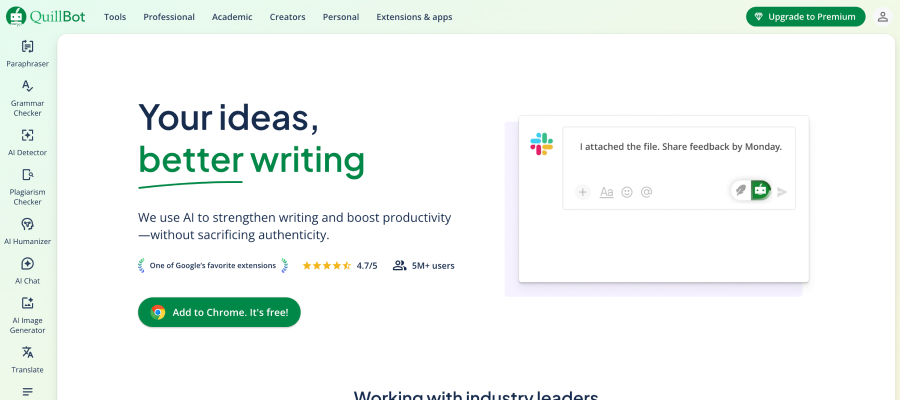
QuillBot is best known as a paraphraser, for those times you just need a quick rewrite. On the free plan you can paraphrase short passages (QuillBot’s help pages say up to 100 words at a time) in two modes, Standard and Fluency. It also summarizes up to 1,200 words at a time, and new users get 20 AI chat questions a day.
It works well for simplifying the tone, clearing up clunky sentences, and rephrasing those sections that just don’t read right. QuillBot also has an AI writer, though it doesn’t publish that tool’s free limits.
The main limitation is its scope: it’s a quick-fix tool for problem paragraphs, not a full article generator.
6. Canva Magic Write
Canva Magic Write is designed for use cases when you want to add captions, simple blogs, straplines, or general blurb to images and designs. Free Canva accounts get a small monthly AI allowance, shared across Magic Write and Canva’s other AI tools, and Canva doesn’t publish how big it is.
The tool isn’t meant to be a dedicated writing workspace, but more of an addition to Canva’s design tools. It’s ideal for the text inside your designs, so think of it as a presentation and style tool more than a free AI writing assistant.
Free AI Assistants for Writing
These aren’t content generators in the strict sense. They’re general AI assistants that will help with almost anything. But for writing full drafts for free, they’re now the most generous option, so they’re worth knowing about.
7. ChatGPT
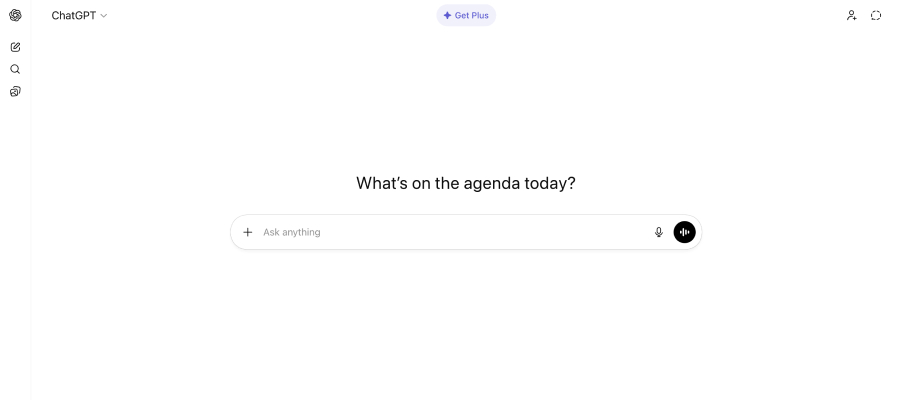
ChatGPT’s free plan now includes unlimited text chats with GPT-6, OpenAI’s latest model, subject to limits to stop abuse. Free users used to hit a cap after a handful of messages. File uploads, image creation, voice chats and deep research are also included, but limited.
The platform handles a wide range of writing tasks including content ideation, article outlines, rewrite suggestions, and draft generation. The interface is straightforward, and generation speed makes it practical for daily use across emails, reports, social posts, and initial drafts.
The tool is generalist by design, so it lacks specialized features for SEO workflows, academic citations, or content cluster planning. You’ll need to give it a detailed prompt to get content in the shape you want.
8. Claude
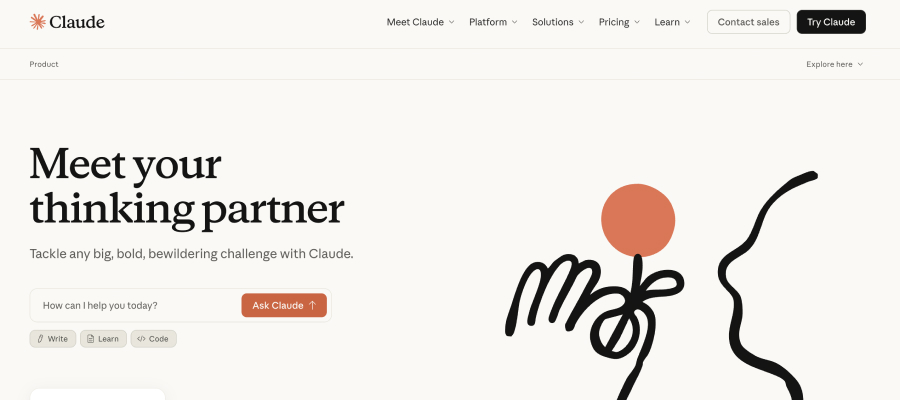
Claude’s free plan includes Anthropic’s Sonnet and Haiku models. There are usage limits every 5 hours and every week, and Anthropic doesn’t publish a number: how quickly you reach them depends on the model, how long the chat is, and the size of any files.
It handles longer-form content well. It tends to produce naturally flowing prose and keeps track of context across a long conversation, though the output still needs editing and fact-checking. The free plan can also search the web and create files.
The free version doesn’t include workflow automation or team features. Pro costs $20 a month ($17 a month billed yearly) and adds more usage and more models, including Opus.
9. Gemini
Gemini is free with a Google account, using Google’s Flash-Lite model, with Deep Research and Canvas (a space for writing and editing longer pieces) included. Use it for planning drafts, working out quick structures and writing first versions.
One catch: Gemini inside Google Docs isn’t free. It needs a Google AI Pro plan, at $19.99 a month. Gemini’s “Help me write” in Gmail is free for personal accounts, but currently only in the US. So for free, you’ll be writing in the Gemini app and copying the results across.
Free Trials Worth Knowing About
These dedicated tools don’t have an ongoing free plan, but they give you enough to test them properly before paying.
10. Koala
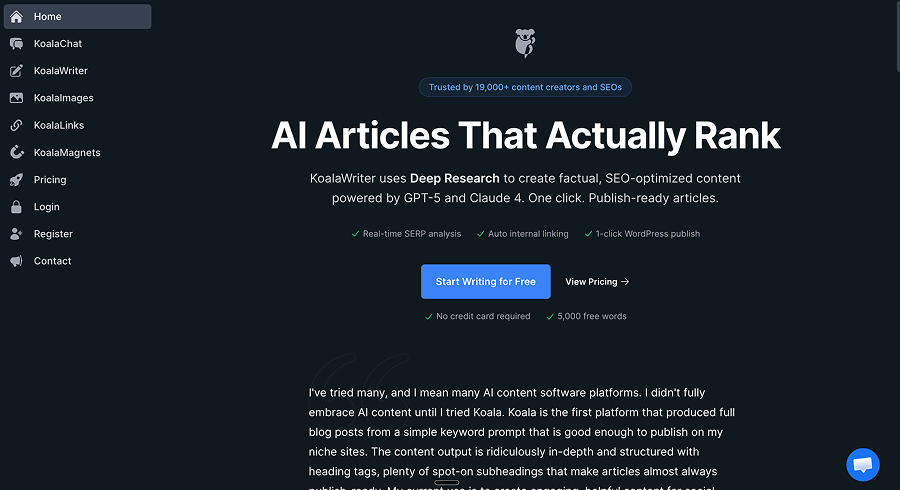
Koala is a dedicated AI writer for SEO blog articles. It used to have a monthly free plan, but now new accounts get a one-off 5,000 words, with no credit card needed. That’s enough for one or two full articles to judge it, and you can try a demo without an account.
It’s worth the trial. In our test of 17 AI writing tools, Koala’s article on cold plunge therapy was one of the strongest: around 3,000 words, with sources cited in the text and editorial choices like a section debunking common myths. Most tools at two or three times the price didn’t get there. Read more in our full review of Koala.
Paid plans start at $25 a month for 45,000 words.
Also worth a look: Neuroflash offers a 7-day free trial, though it asks for a card upfront (plans from €42 a month, billed yearly). In our test it wrote a long article with real sources, though it leaned verbose. And Machined.ai, as mentioned above, has a 7-day free trial with no card needed.
One to avoid: Writecream had the worst content quality in our test, with keyword-stuffed text and placeholder links.
Which Free Tool Should You Choose?
These ten free AI writers should have you well covered for a variety of writing tasks. But they all do something a little different, for slightly varied use cases. So, to quickly access the best free AI writing assistant for your job:
- For blog posts, emails and landing pages, HubSpot’s AI content writer is the most complete free option
- For short-form marketing copy and templates, Rytr or Copy.ai’s free tools
- For editing and polishing existing content, Grammarly or QuillBot can help
- For full drafts and general writing help, ChatGPT and Claude are both solid options
- For testing a dedicated SEO article writer, start Koala’s free trial
How to Get Better Output from Free AI Writers
Even the best free AI writer has its limitations if you don’t master the art of making them work for you. These tips will all help you to leverage the free AI output you can get from your chosen platform, and dial in the results for a faster, better-quality output.
Work those prompts: Where there’s an opportunity to provide an outline, define the audience, explain an angle, or clarify constraints, provide as much detail as you can to prime the AI for the best possible answers.
Complete ‘must include or avoid’ lists where these are a feature, as, again, they strip out irrelevant answers and avoid wasting your free credits on output you can’t use.
Take time to manually fact-check the AI writing and sense-check any sources, as statistics and “big ticket” claims may not ultimately be correct, especially if the AI has pulled them from a dubious source.
Don’t publish first draft content as is: Google won’t like it, and more to the point, nor will your human reader. AI writers aren’t yet at the point where their output is indistinguishable. Hit ‘publish’ without a sense-check, and your audience will recognize that an AI has written your ‘first person piece’ and lose trust. Use the AI content generator as your source tool and helpful assistant, and add your vital personal touch, tone, insight, and humanity to the final piece.
Explore all of the features: The best free AI writers usually have several interesting features, but they might not be instantly obvious. Spend a little time getting to know the full capabilities of the system so that you can assess its true value for yourself.
FAQs
What’s the best free AI writer for blogs?
For full blog posts, HubSpot’s free AI content writer is the most complete dedicated option. ChatGPT and Claude also handle long-form content well, and ChatGPT’s free plan no longer caps text chats. None of them includes SEO-specific features like content clusters or automated internal linking, so you’ll be handling structure and optimization yourself.
Are “free” AI writers actually free?
Not really. Most free AI writers offer a certain level of access for free, such as base-level features, a certain number of AI-generated words in a session, or a set number of credits. The free version is usually enough for you to decide whether or not the tool is worth exploring further at the paid level.
Other tools will offer free access to the full platform for a period of time, with the option to cancel if you change your mind (if you remember to do so before your card is charged).
Which free tool is best for SEO content?
None of the genuinely free tools on this list are purpose-built for SEO. ChatGPT or Claude can handle keyword-optimized content with proper prompting, but they lack specialized SEO features like content clustering, topical authority planning, or automated internal linking. For those you’ll need a dedicated SEO content platform, and those are almost always paid. Koala’s free trial is a good way to try one, and most, including us, offer a free trial so you can test the workflow first.
Which free AI writer includes citations?
ChatGPT and Claude can both search the web on their free plans and point you to their sources. Of the dedicated tools, Koala cited its sources within the text in our test. Whichever you use, check every source yourself before you publish.
Can I use free AI writing tools for client work?
Some people will use free AI writing tools for certain aspects of client work, such as to create some snippets, structure a thought piece, or identify a topic cluster for a set of SEO articles.
Usually, content producers will blend the AI system capabilities with their own human skillset for a fully polished, client-ready, and unique piece of content.
How do usage limits usually work?
Free usage limits are usually managed on a credit, word, character, or time basis. Some tools give you a monthly allowance (Rytr’s 10,000 characters, Grammarly’s 100 prompts), some use rolling time windows (Claude resets every 5 hours, with a weekly cap too), and some give a one-off allowance when you sign up (Koala’s 5,000 words).
Verdict: The Best Free AI Content Generator
In an ever-changing world where new AI content generators are frequently coming online, it pays to keep your research game on point and to know exactly what’s out there. In this article, we’ve done the hard work for you and researched the best free AI content generators on the market to identify the top ten free AI content writers available now.
The “best” tool will always depend on your own workflow and preferences. Even factors such as the design and UX will influence how you feel about a particular tool, and what you love about one might be less relevant to another user. It’s often personal.
To pick the best free AI writer for your needs, use our list to do a rough match of your use case to a couple of possible systems and then test them. Test matching prompt sets to compare how they respond and see how much time and manual work each one saves you.
Different tools serve different needs: HubSpot and Rytr for generating content, ChatGPT and Claude for full drafts, and editing tools like Grammarly or QuillBot for polishing. The best approach often involves using multiple tools in combination, letting each handle what it does best.