
Connect with your platforms





How Publishing Integrations Work
Connect Your Platform
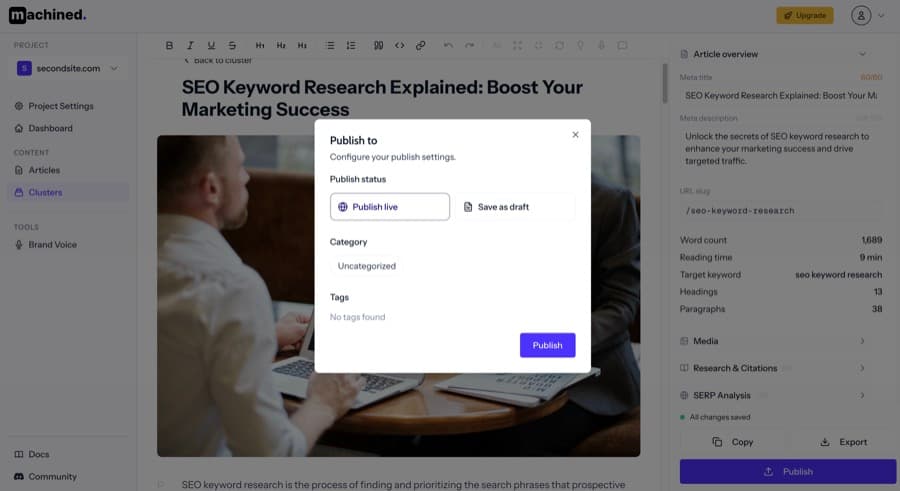
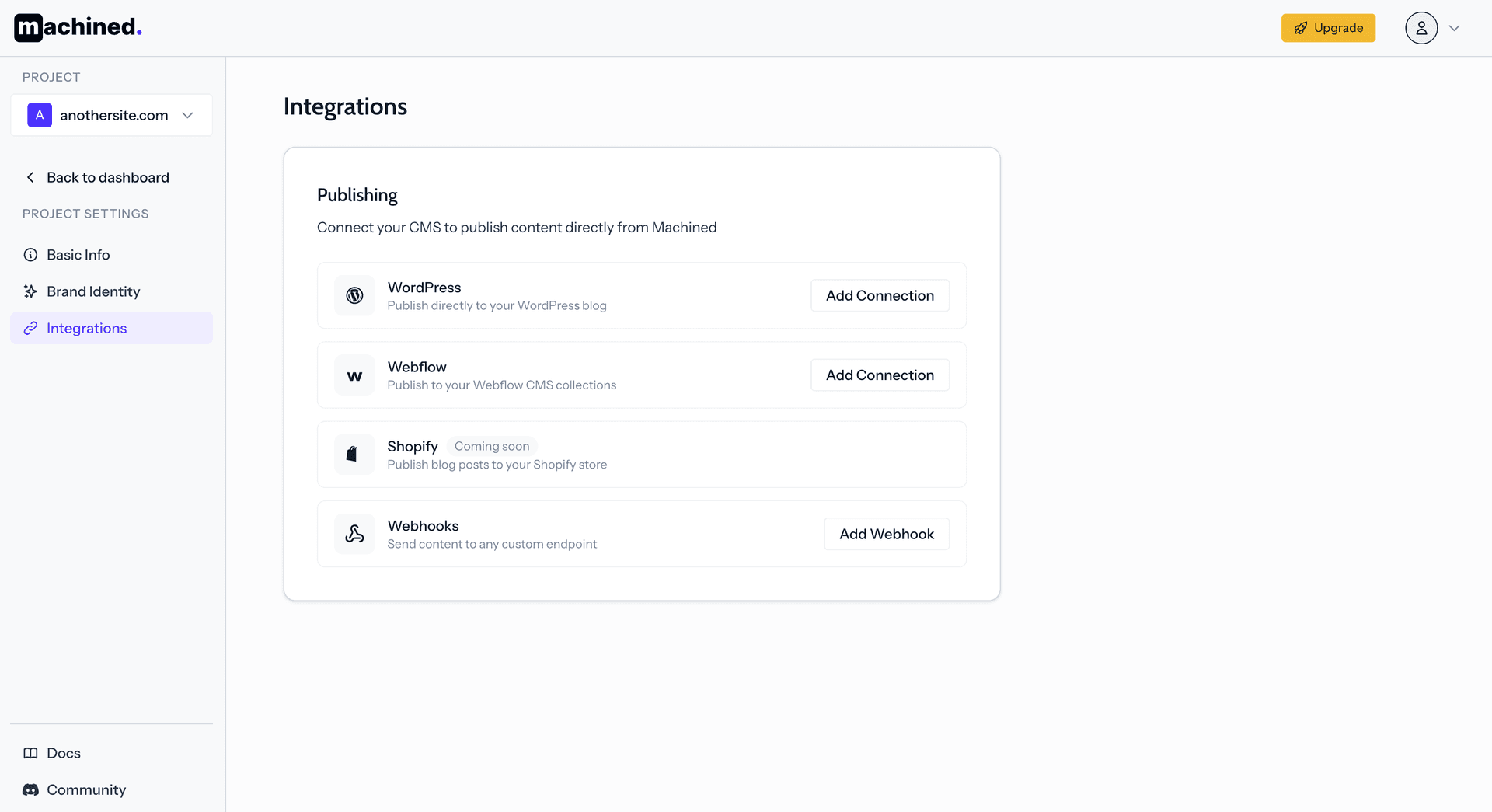
Link your WordPress site, Webflow workspace, or use a custom webhook and Make, Zapier, or n8n to publish to other platforms.
Configure Publishing Settings
Set categories, tags, author, and publishing status. Choose whether posts go live immediately or as drafts for review.
Publish with One Click
Select articles to publish and click the button. Machined handles formatting, image uploads, and metadata.
Simplify Your Workflow
One-Click Bulk Publishing
Publish entire content clusters with a single click. No more manually copying and pasting articles into your CMS.
Direct CMS Integration
Native integrations with WordPress and Webflow. Content is published with proper formatting, images, and SEO metadata automatically.
Custom Webhooks
Use webhooks to integrate with any platform. Send content to custom CMSs, databases, or automation workflows.
Publishing Integration Features
Other Features
Take a look at the other key features of Machined
Content Cluster Automation
Automated keyword clustering & anti-cannibalization
Automatic Internal Linking
Contextual, keyword-optimized links across all content
Automated Keyword Research
AI-powered keyword discovery and intent analysis
Deep AI Research
Agent-based research with authoritative citations
One-Click Publishing
WordPress, Webflow, and webhook integrations
Customization
Full control over voice, research depth, and AI models
Plus Everything Else You Need
Publishing Integrations FAQ
Everything you need to know about automated publishing