Image styles
When using an AI image provider, you can choose a style preset to keep a consistent visual tone across your content. The same 8 styles are available across Flux Pro, GPT Image and Nano Banana 2. Professional is the default.
Choose a style under Image settings → Style when creating an article, in the Media tab of the cluster table, or for the whole project in writing defaults.
Each section below shows examples generated from two different topics so you can see how each style adapts to different content.
These examples were generated with earlier versions of each provider's model. Images generated today will differ in detail, but each style's overall look is the same.
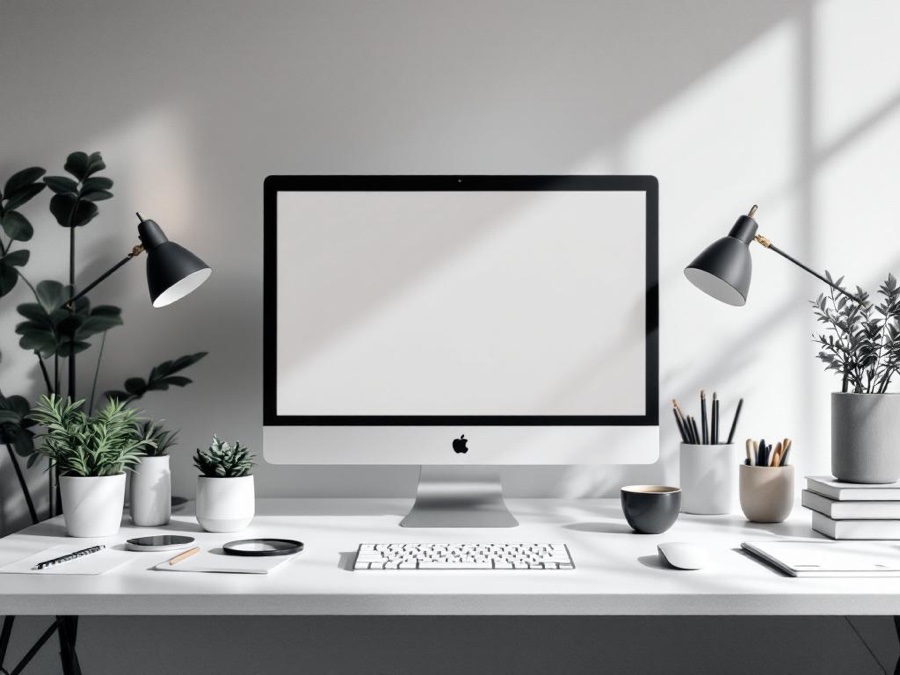
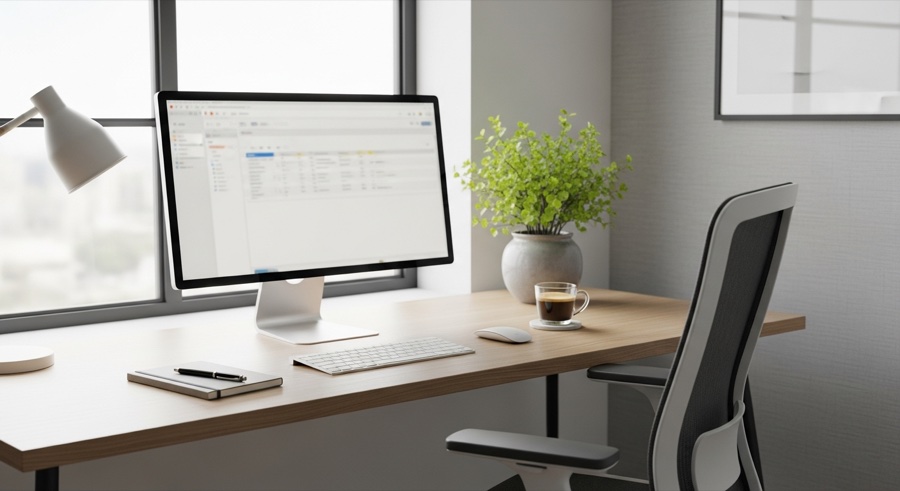
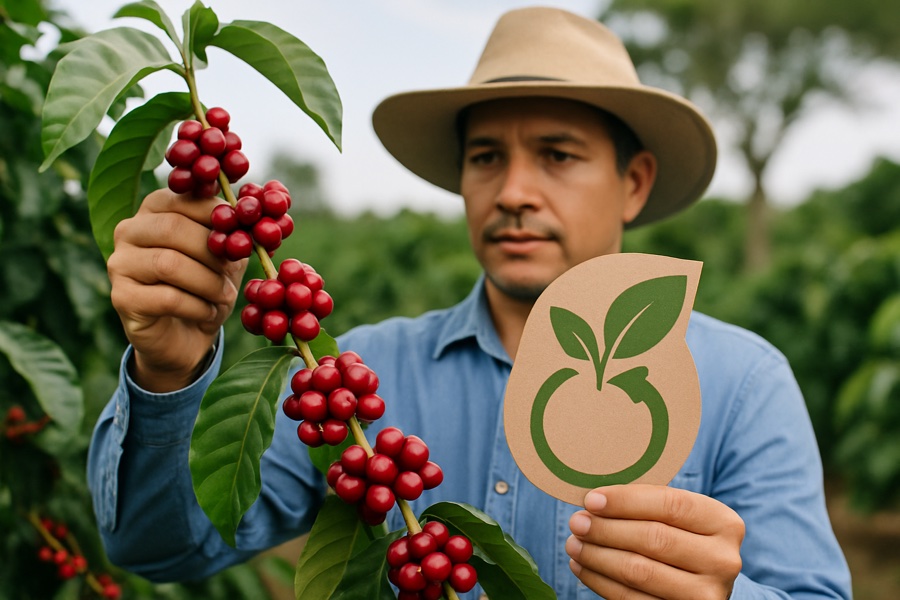
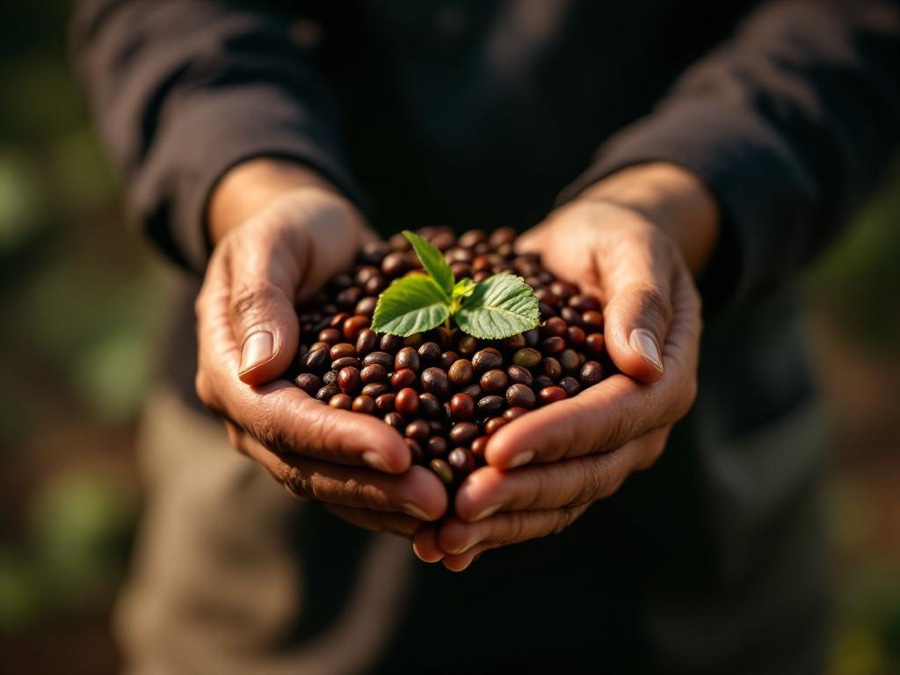
Professional
Clean, modern, corporate-friendly imagery.
Keyword: home office productivity

Keyword: sustainable coffee farming
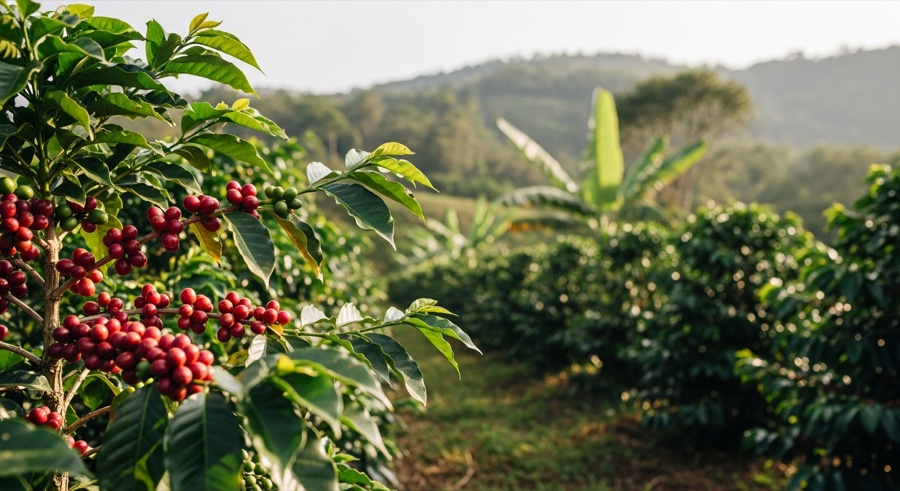
GPT Image
Flux Pro
Google Imagen
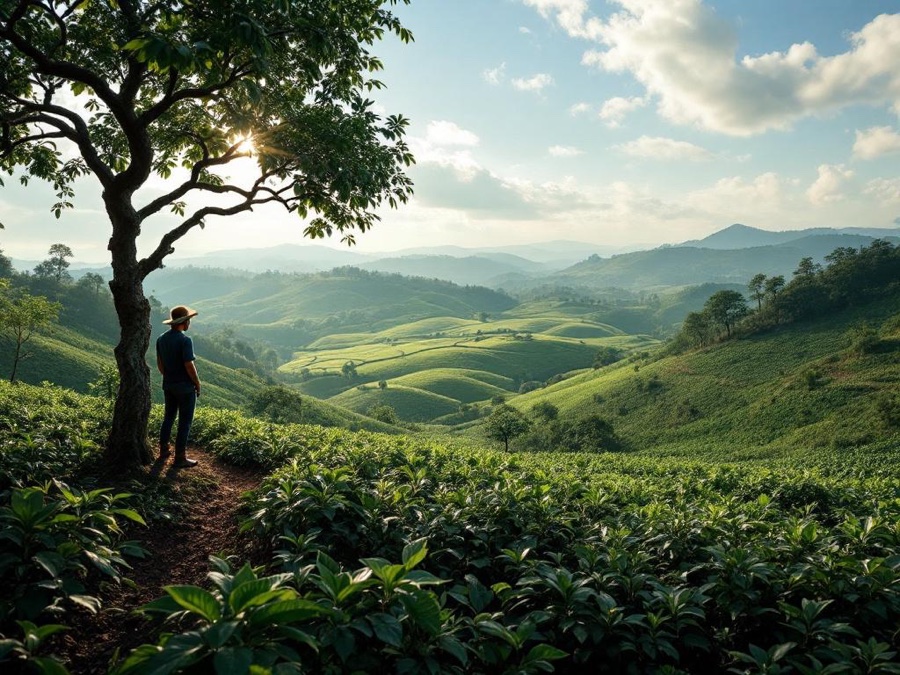
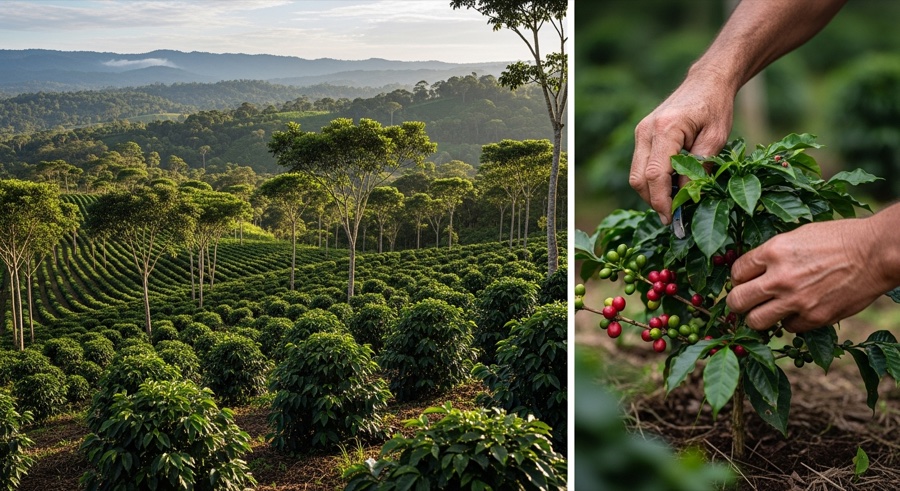
Editorial
Magazine-quality photography with storytelling.
Keyword: home office productivity

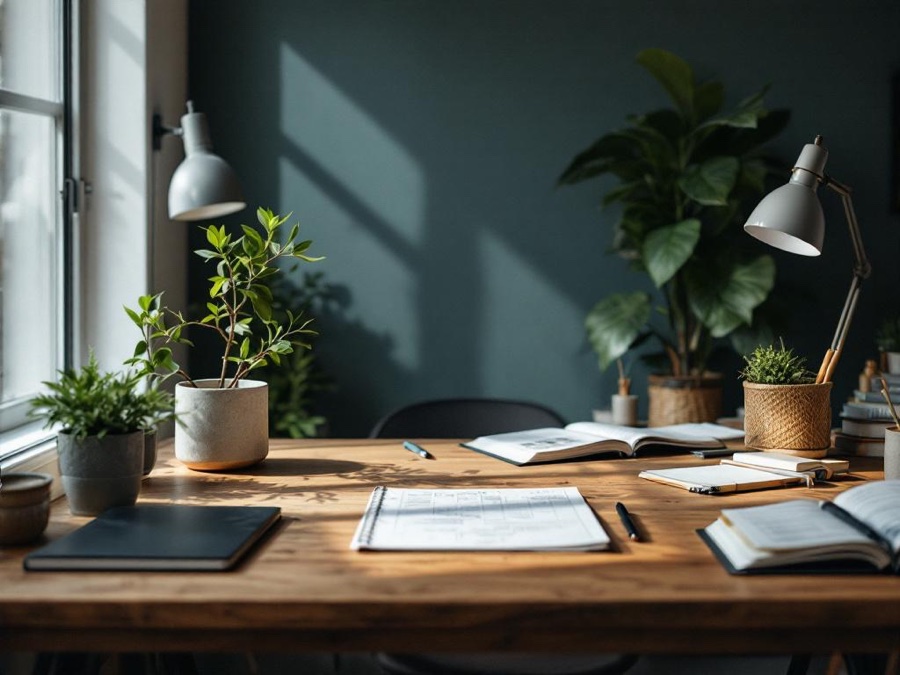
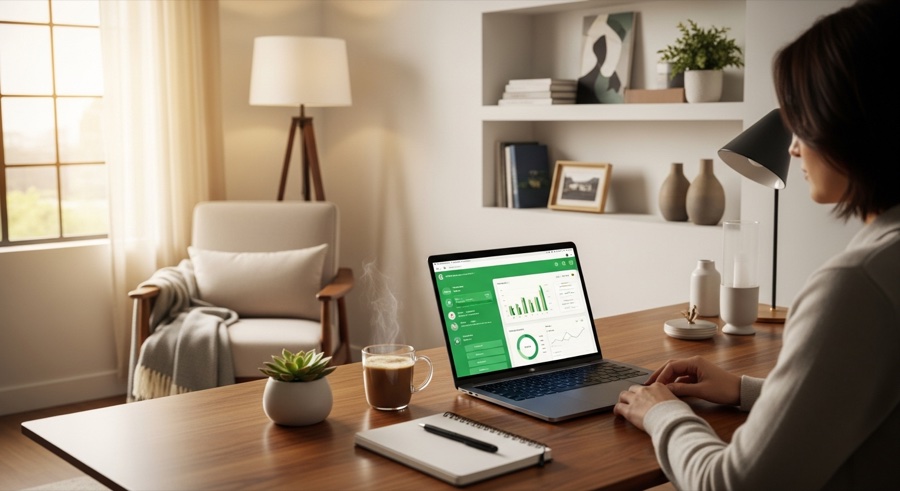
Keyword: sustainable coffee farming
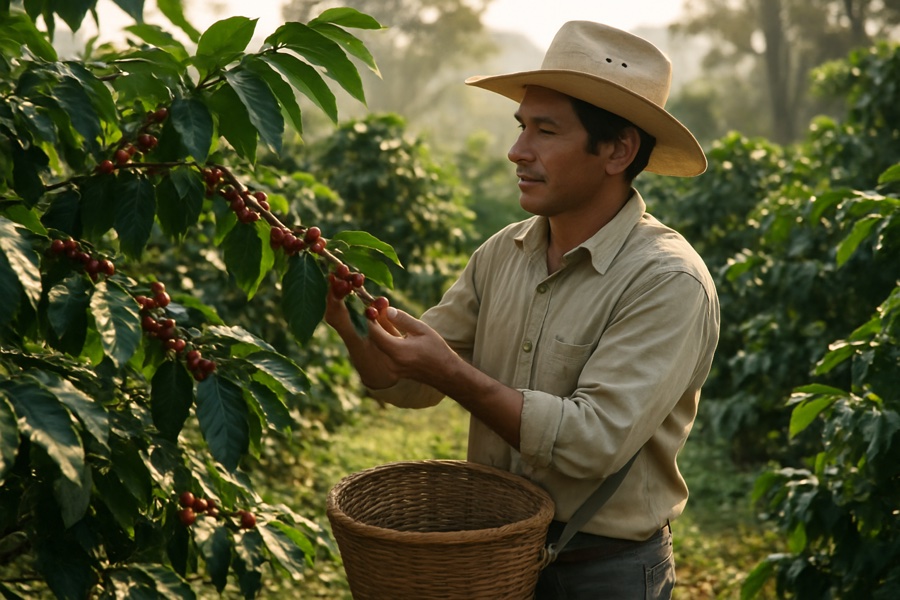
GPT Image
Flux Pro
Google Imagen
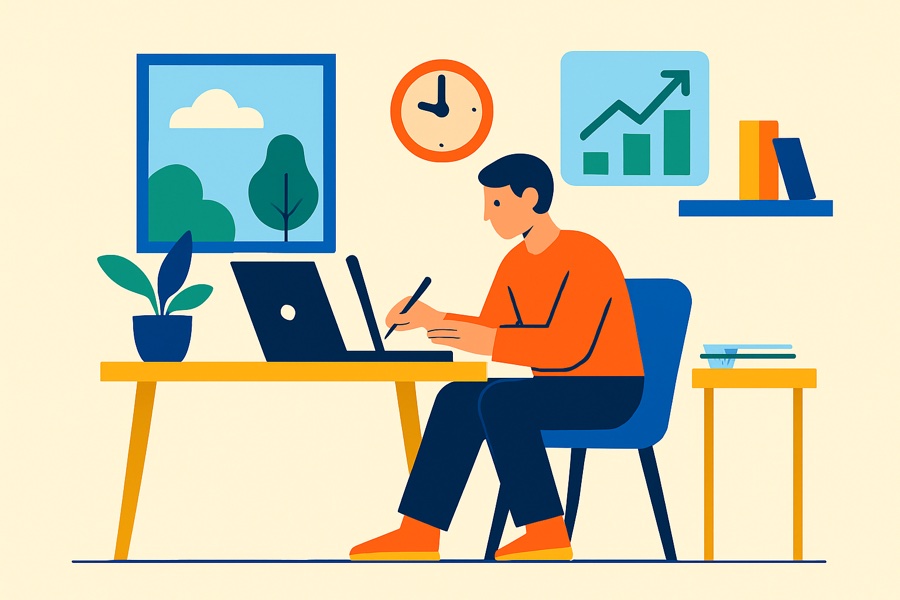
Illustration
Flat design, vector-style graphics.
Keyword: home office productivity

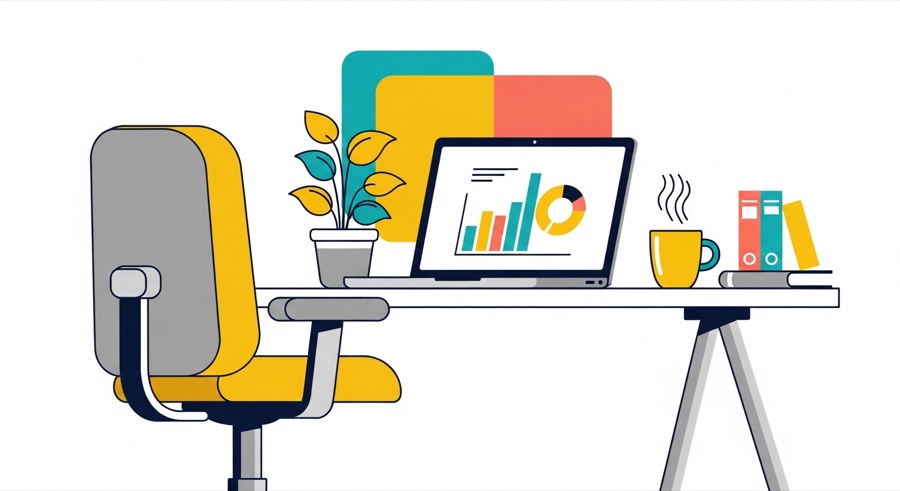
Keyword: sustainable coffee farming
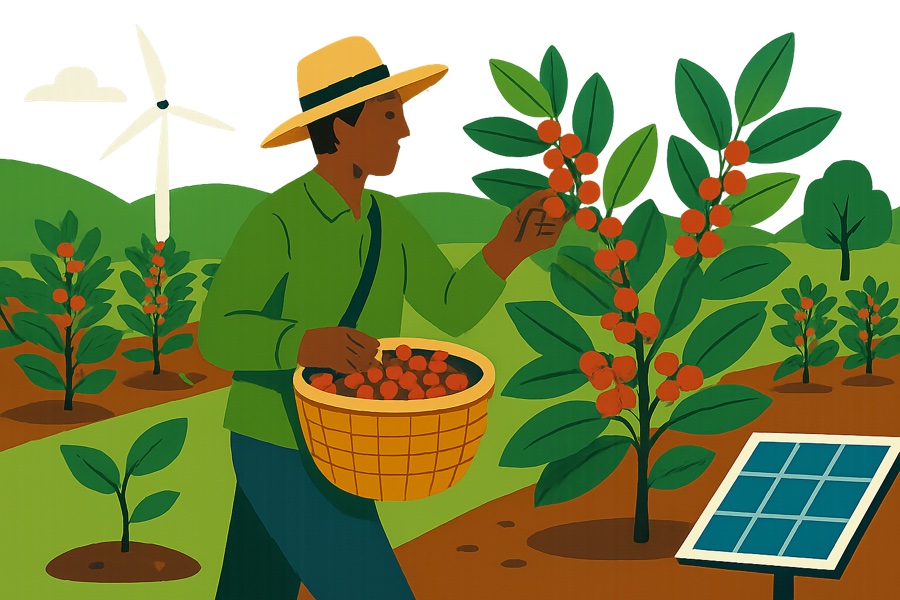
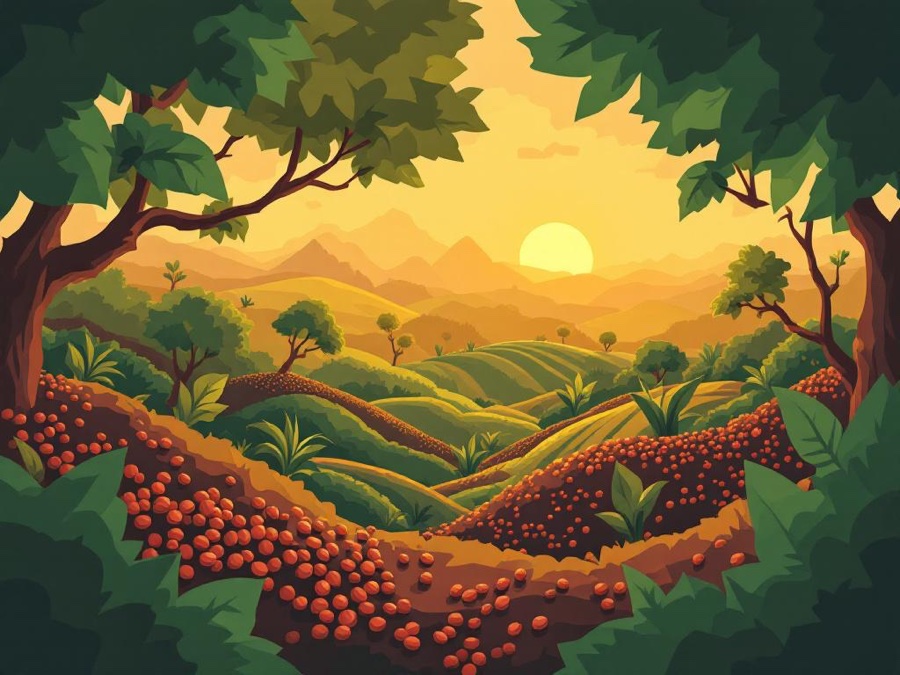
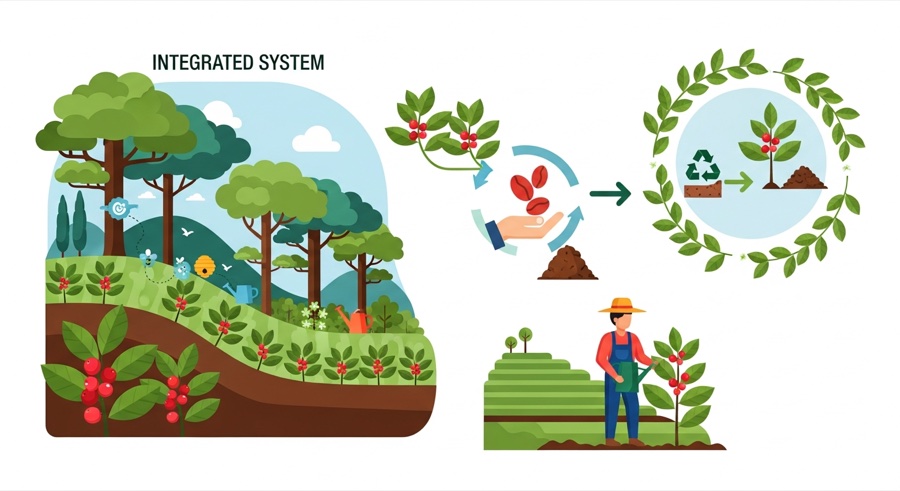
GPT Image
Flux Pro
Google Imagen
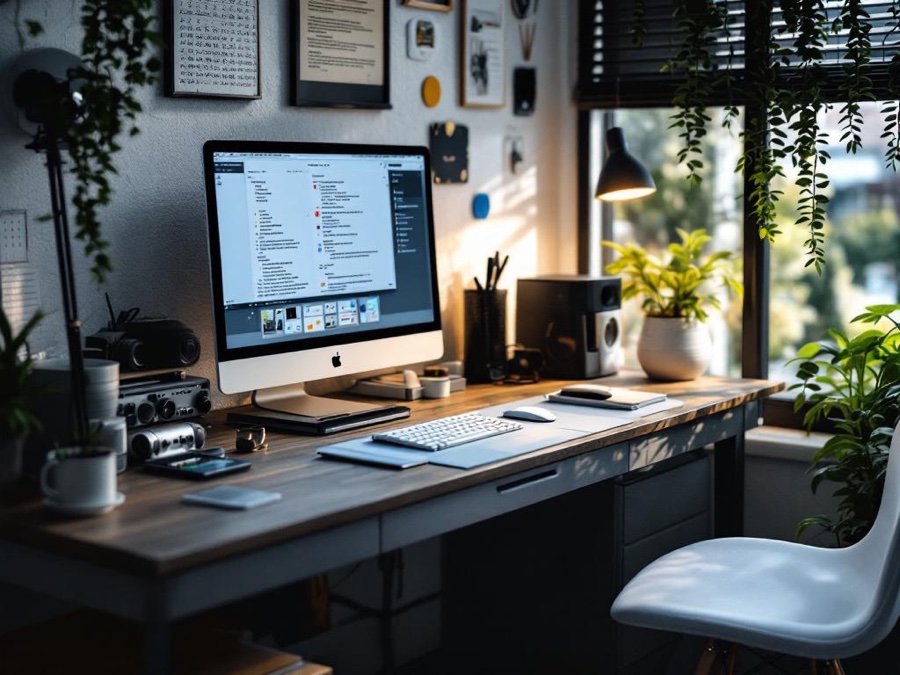
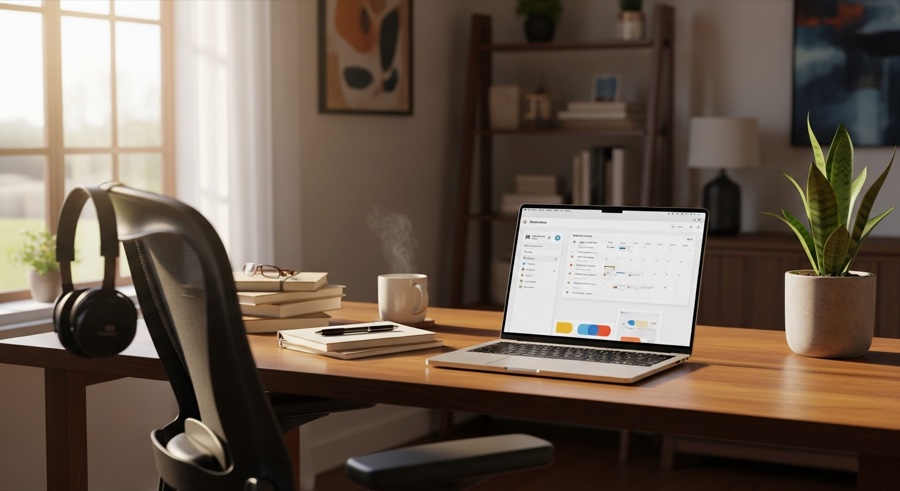
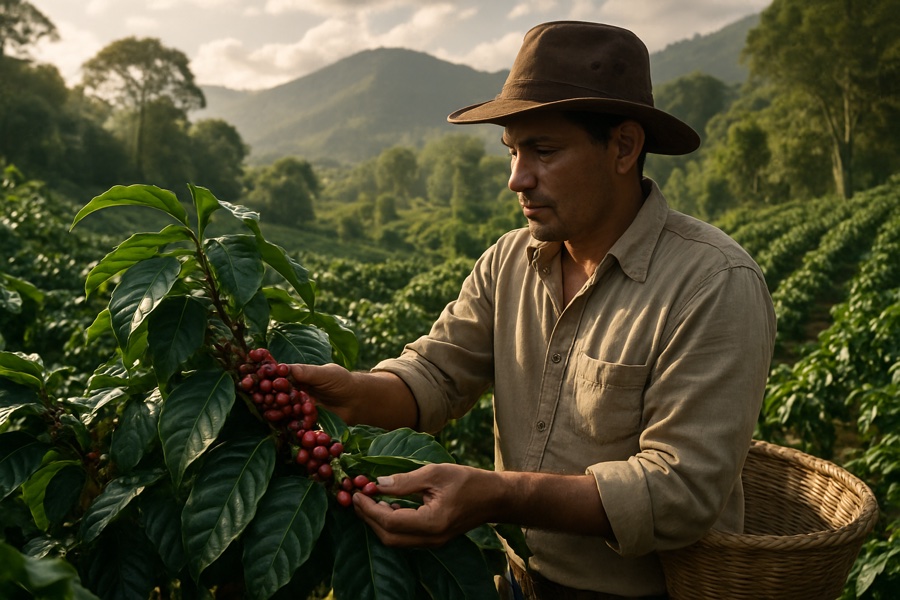
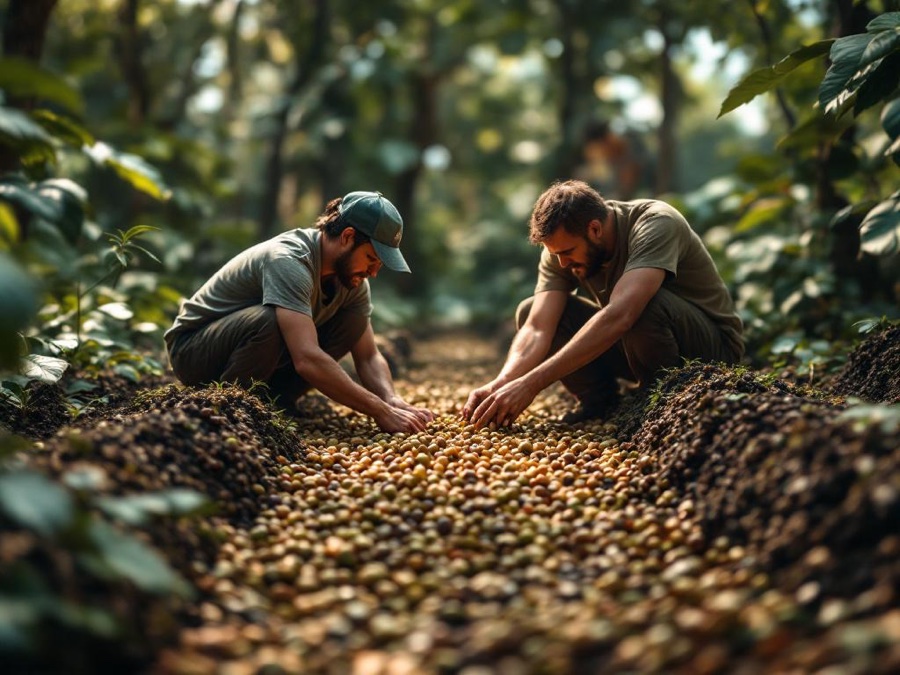
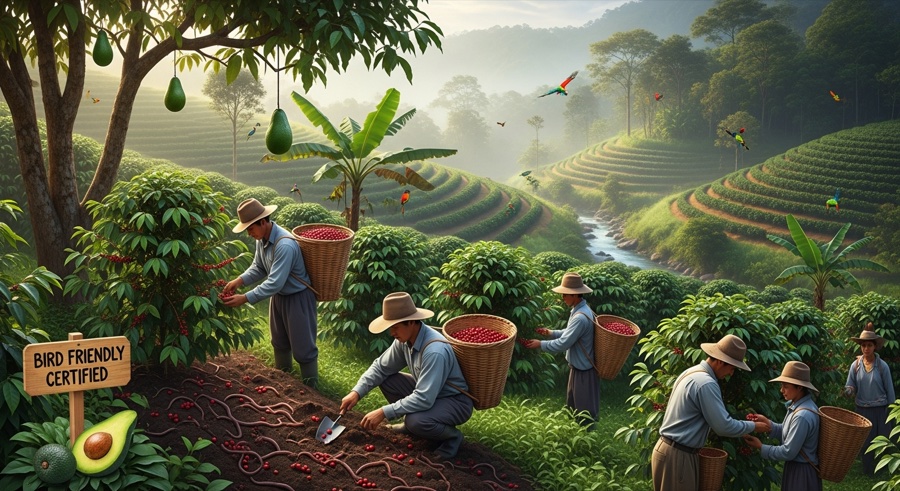
Photorealistic
Hyper-realistic AI-generated photography.
Keyword: home office productivity
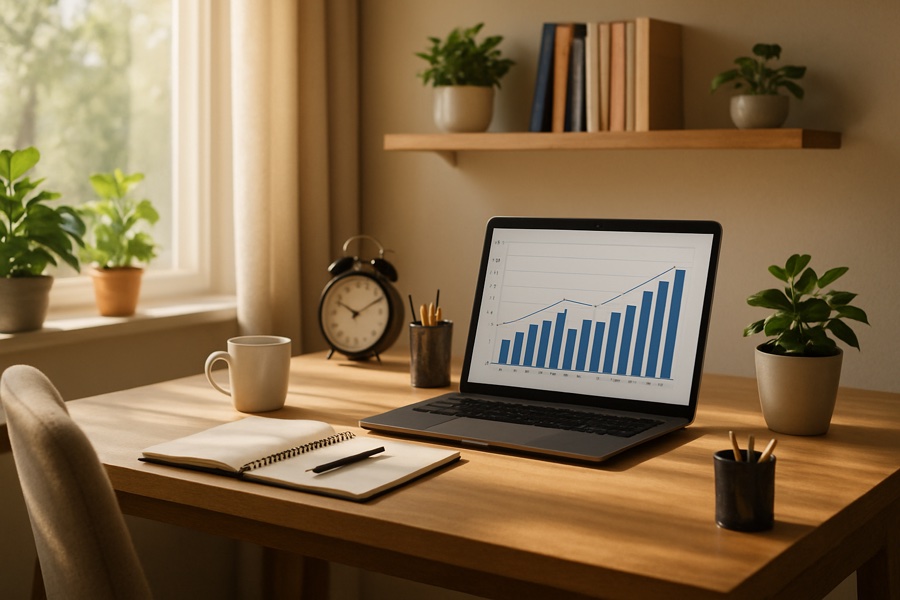
Keyword: sustainable coffee farming
GPT Image
Flux Pro
Google Imagen
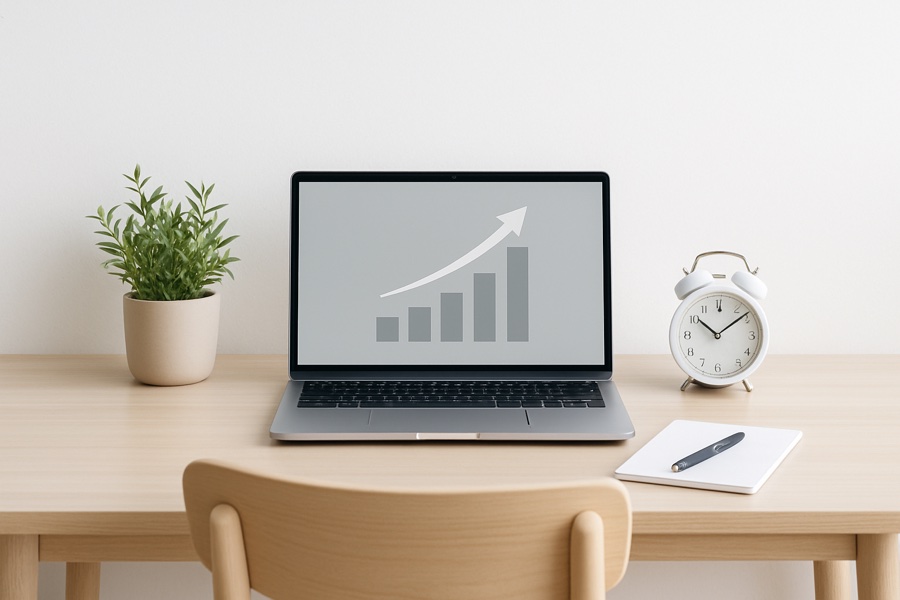
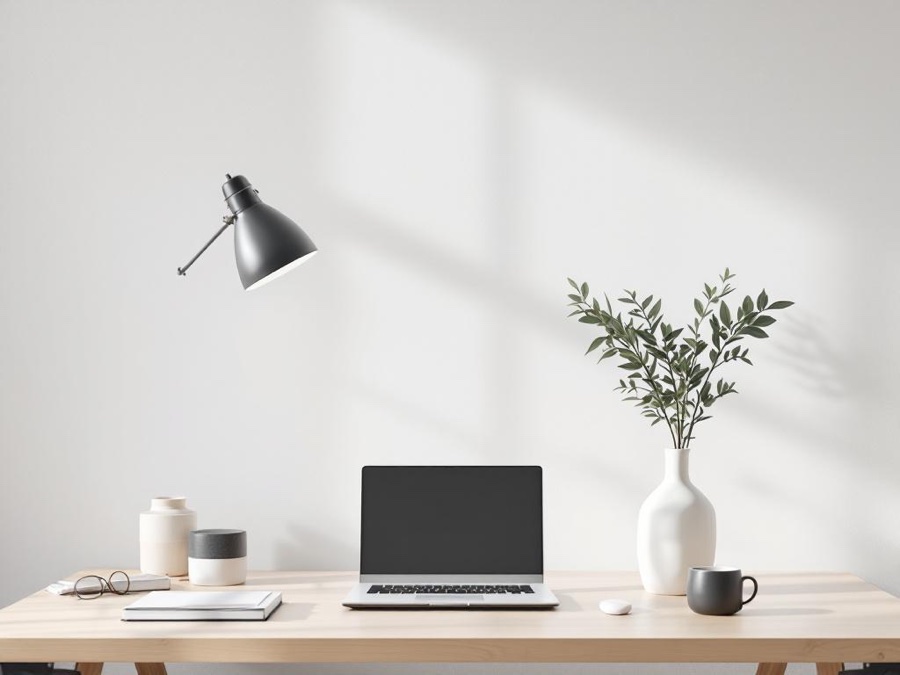
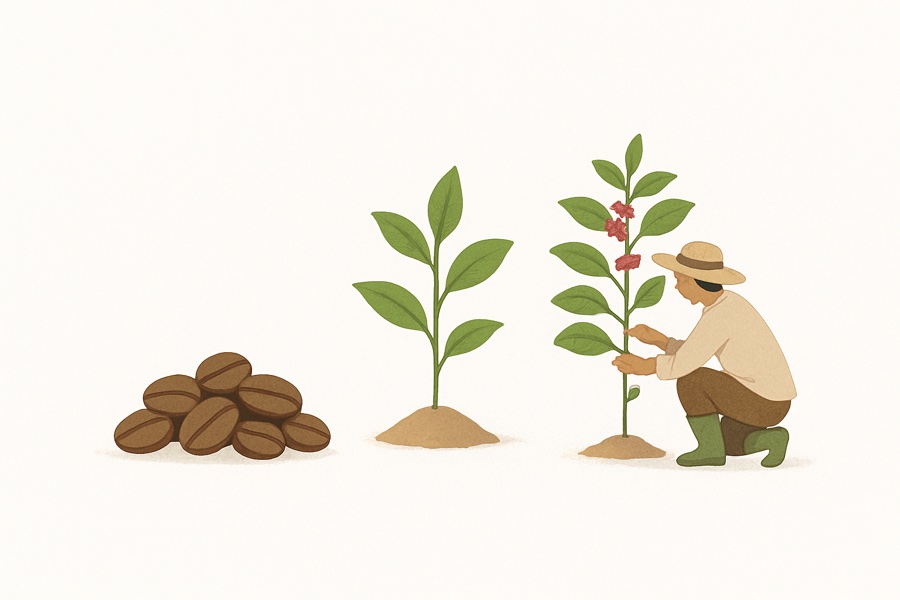
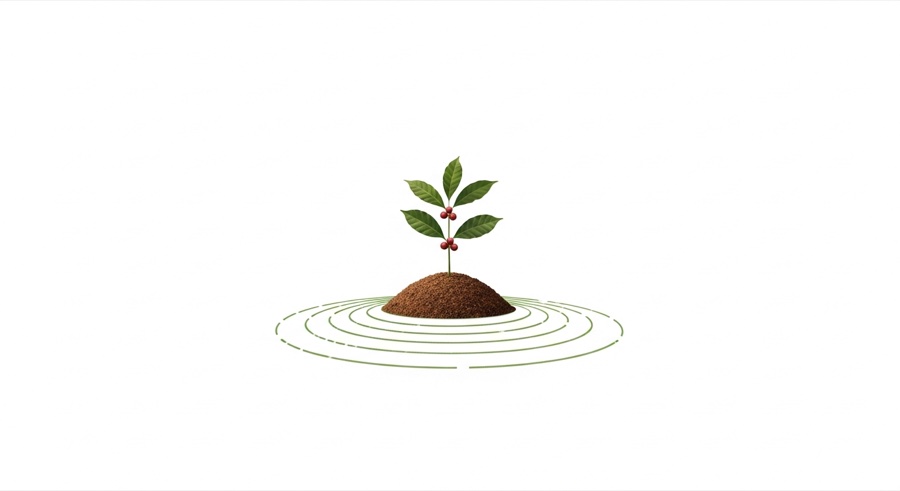
Minimalist
Simple compositions with lots of white space.
Keyword: home office productivity

Keyword: sustainable coffee farming

GPT Image
Flux Pro
Google Imagen
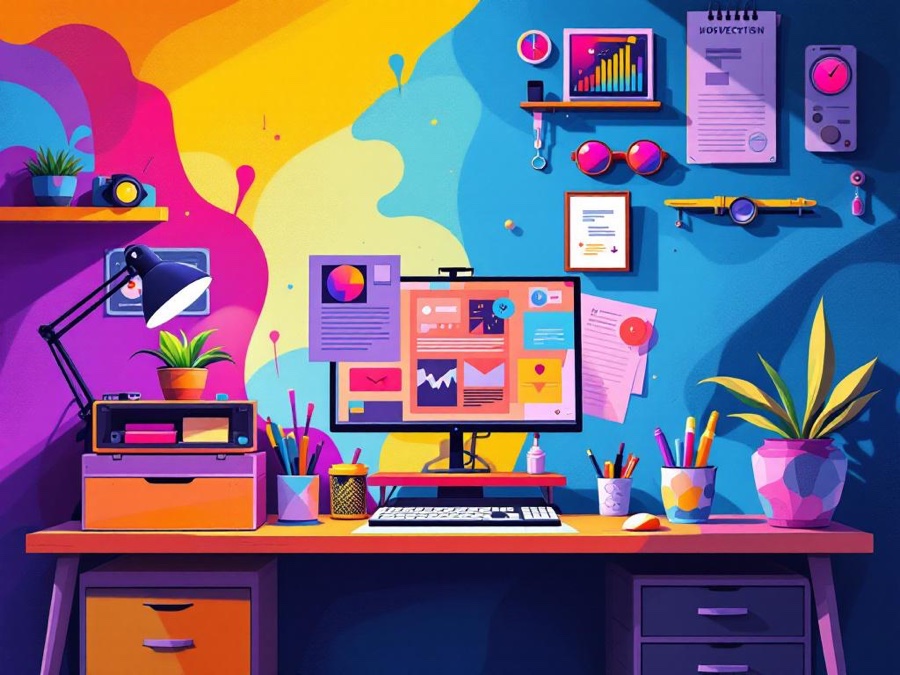
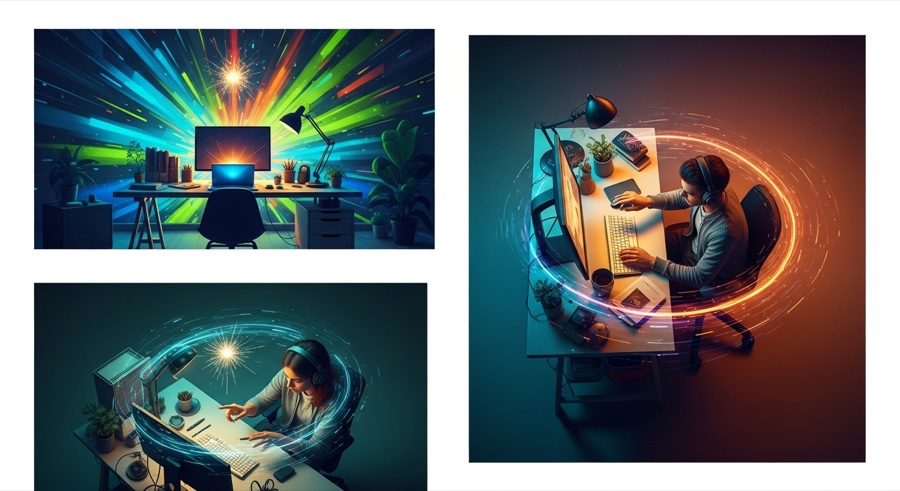
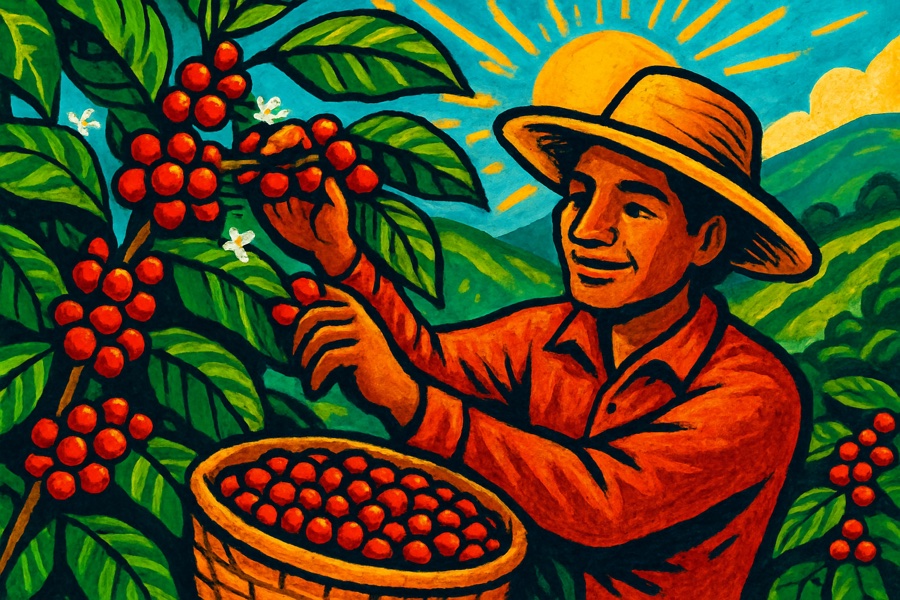
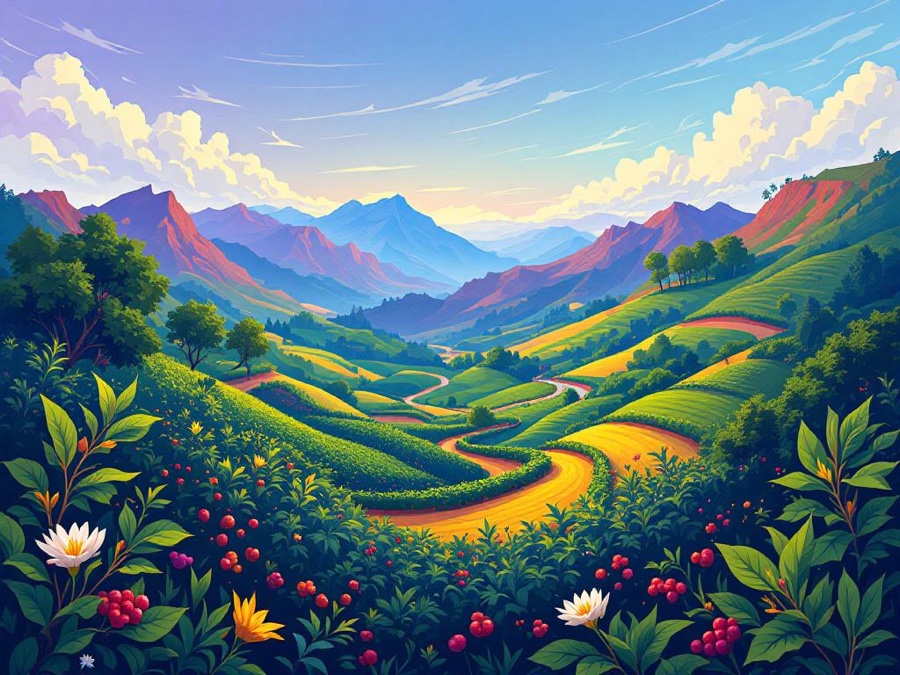
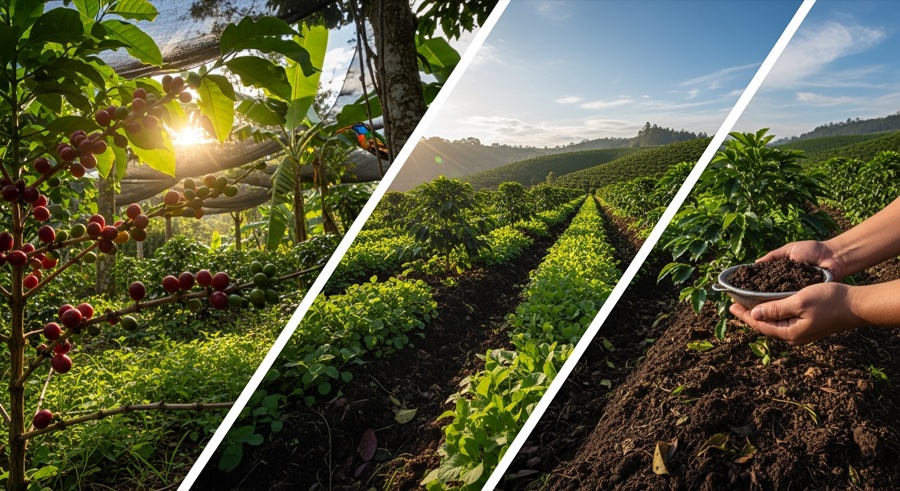
Vibrant
Bold colors and high-energy visuals.
Keyword: home office productivity

Keyword: sustainable coffee farming
GPT Image
Flux Pro
Google Imagen
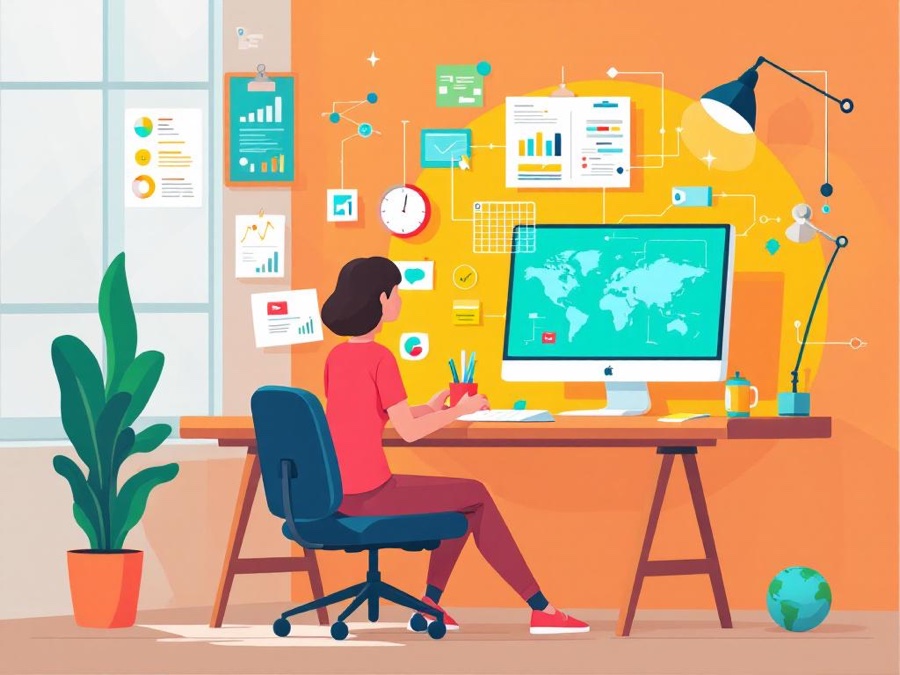
Technical
Diagrams and infographic-style visuals.
Keyword: home office productivity

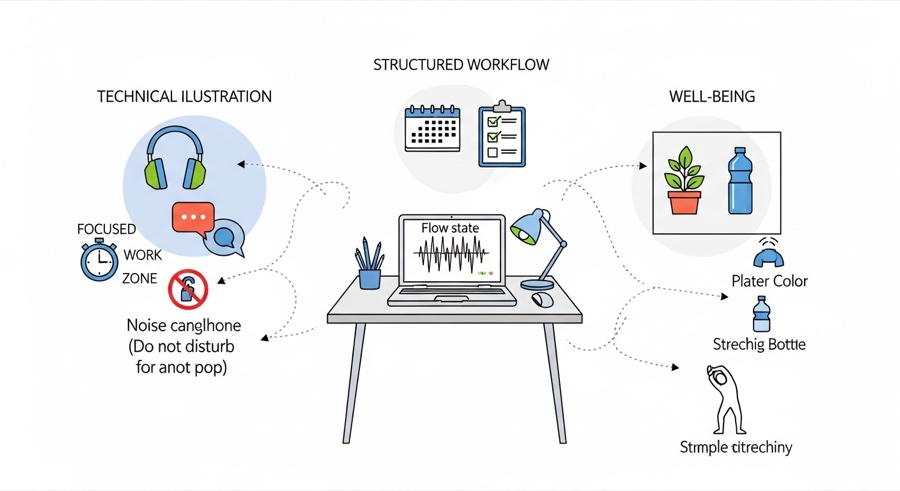
Keyword: sustainable coffee farming
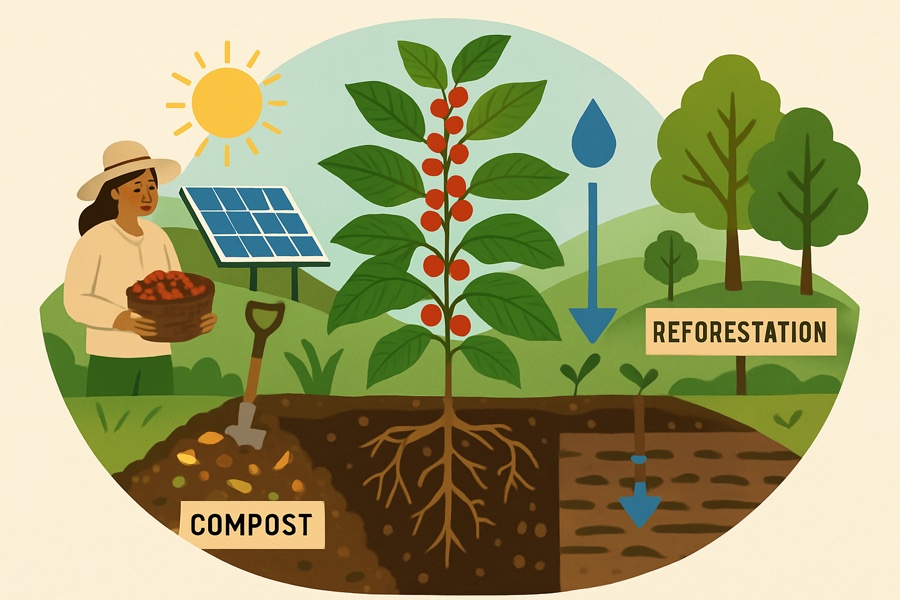
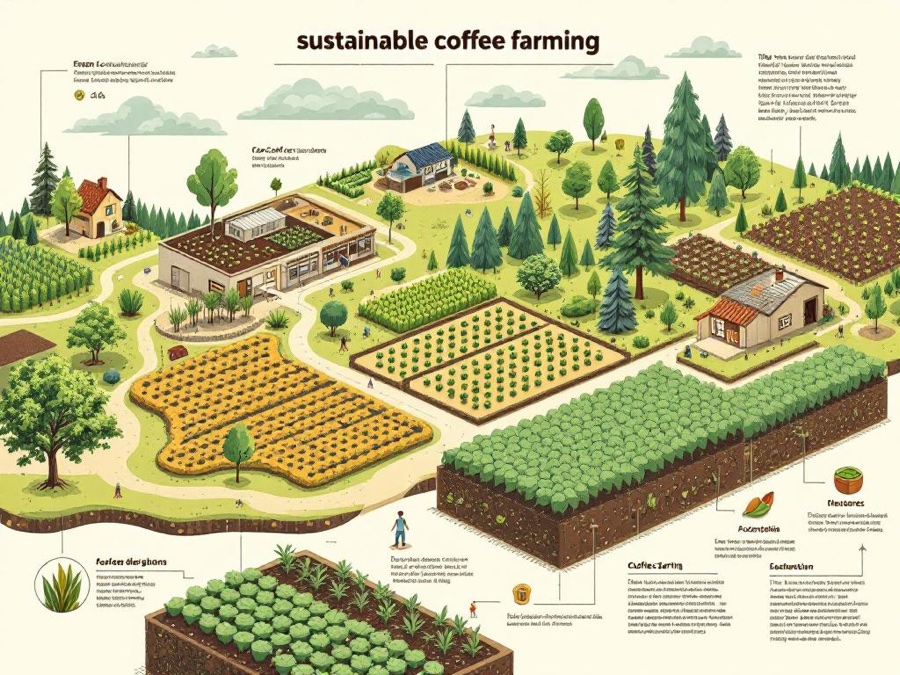
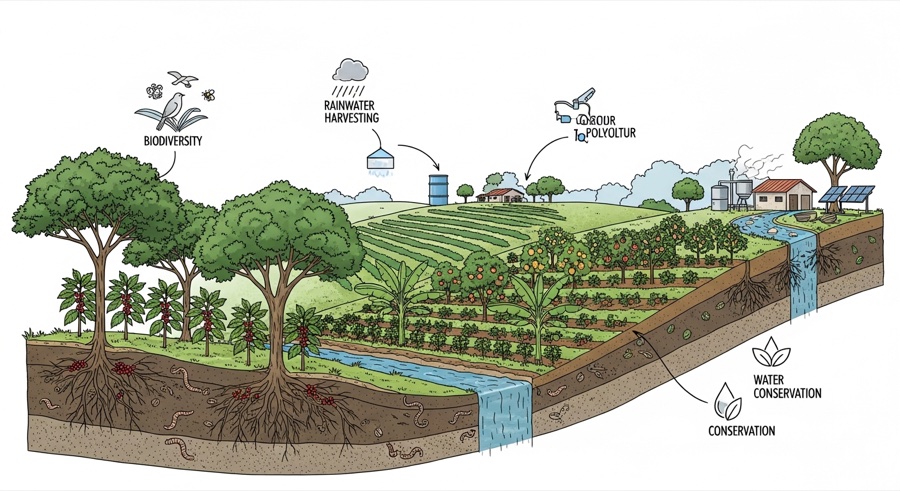
GPT Image
Flux Pro
Google Imagen
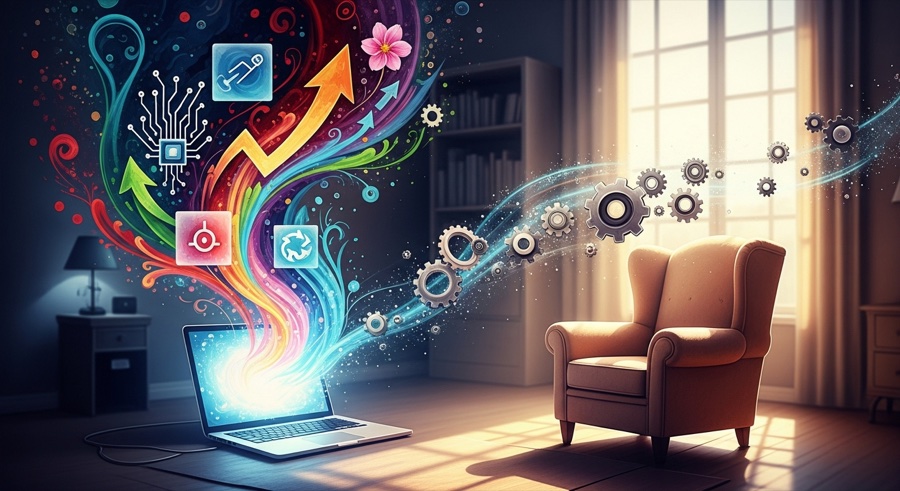
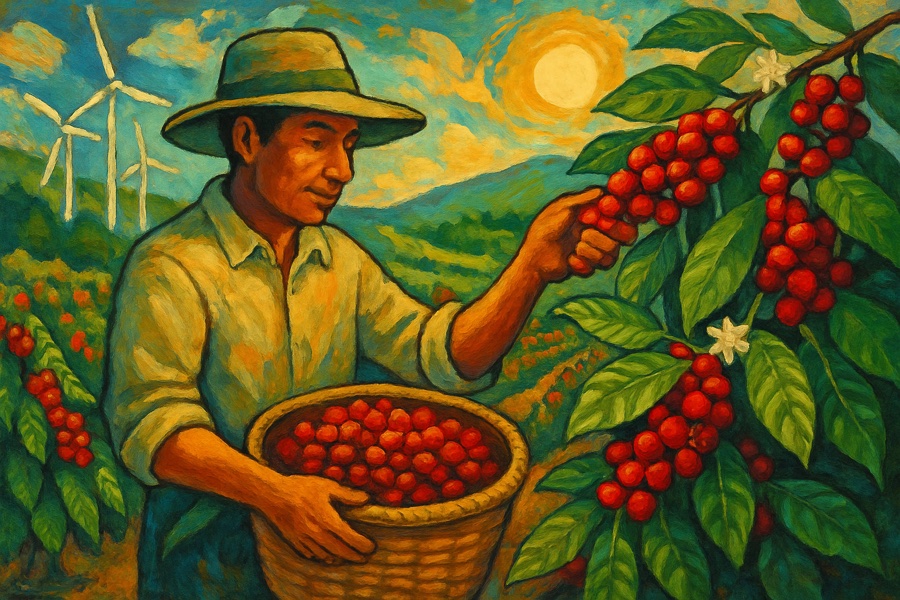
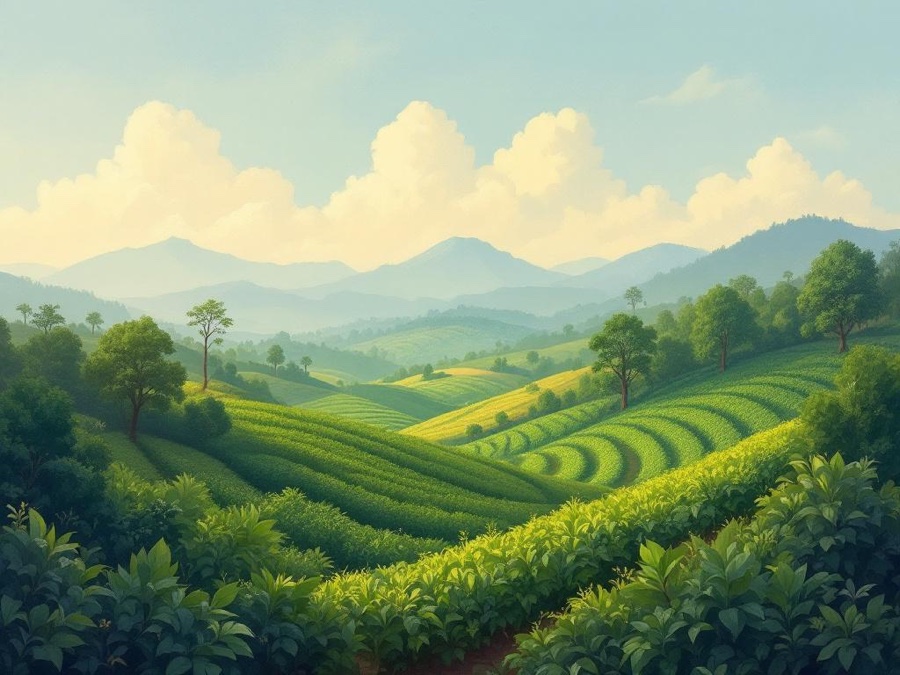
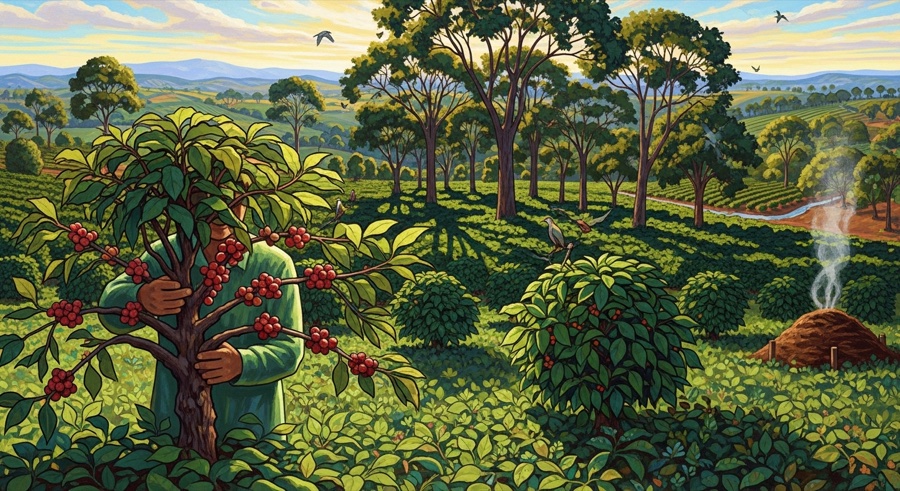
Artistic
Creative, expressive and unique visuals.
Keyword: home office productivity
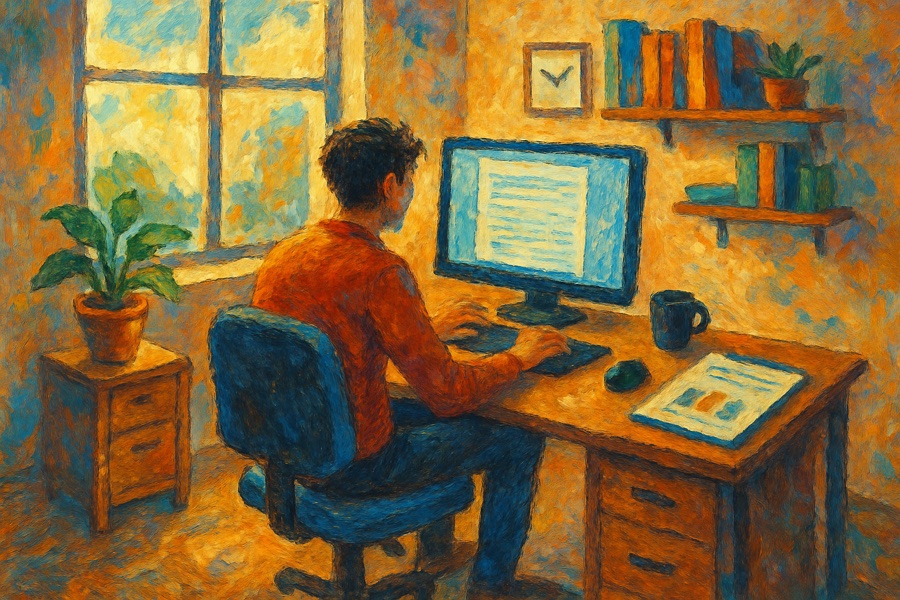

Keyword: sustainable coffee farming
GPT Image
Flux Pro
Google Imagen